
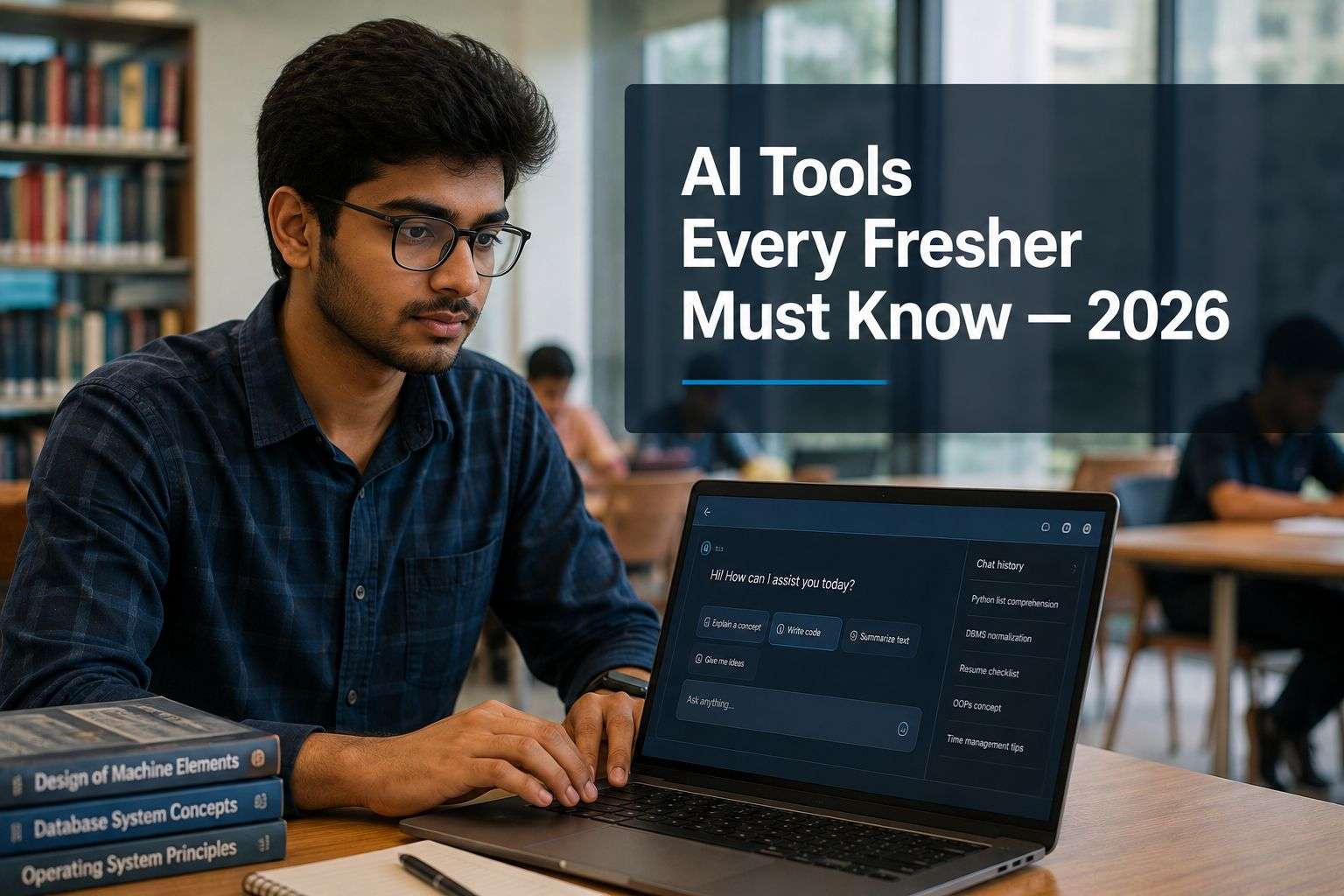
AI Tools for freshers placement 2026-An Indian IT Consultant’s Honest List (with 27 years + Experience)
AI tools for freshers placement 2026 are no longer optional extras. They are the baseline. I say this after 27 years of counselling engineering students in Bhubaneswar, Cuttack, Rourkela, and Berhampur, and this year the conversation has changed completely.
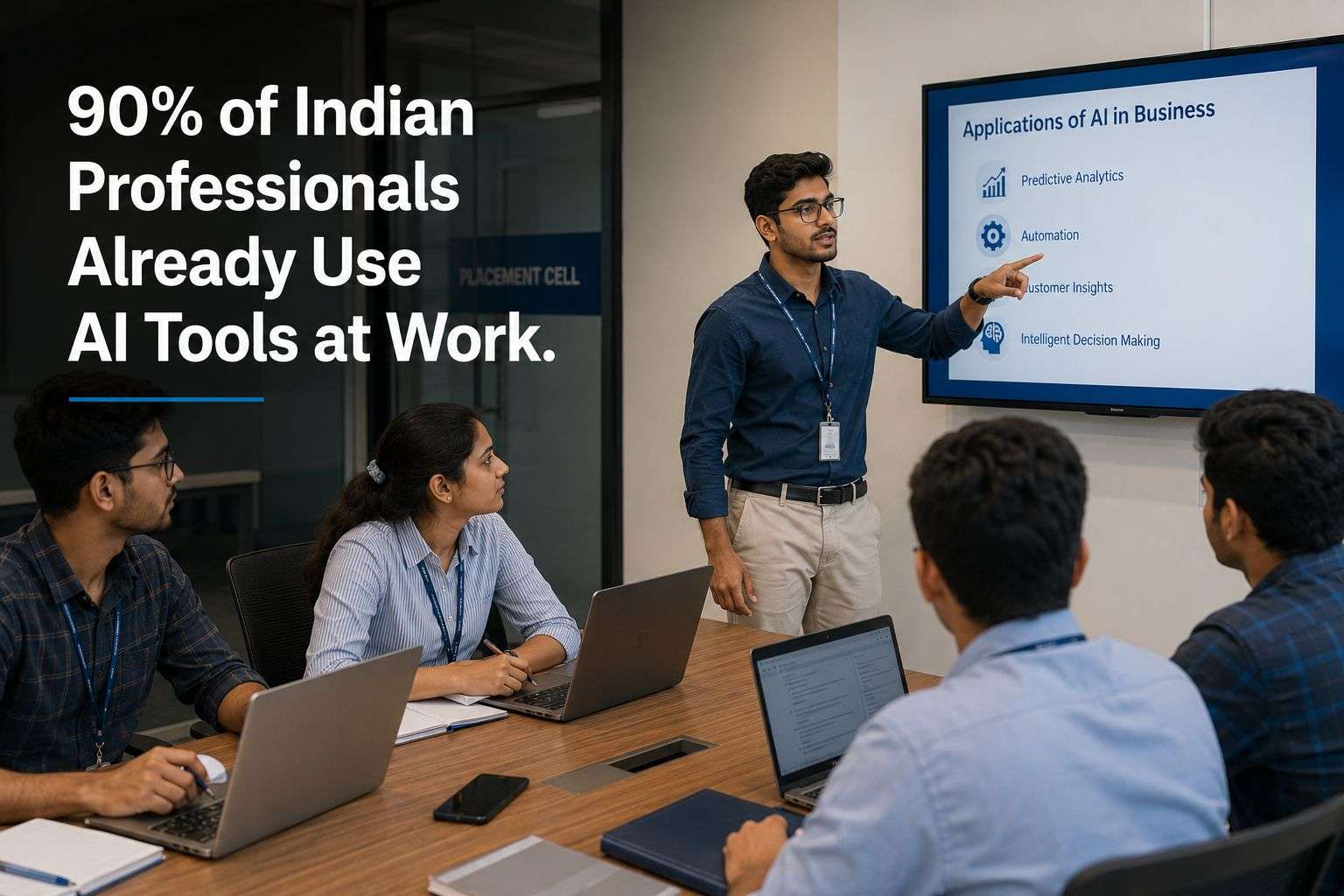
Here is the number that should make you sit up. More than 90 percent of Indian employees are already using generative AI tools at work, according to the India Skills Report 2026. At the same time, 82 percent of Indian employers say they cannot find candidates with the skills they actually need. That gap is your opportunity, but only if you close it before placement season starts, not during it.
This is not a blog about AI careers. I have already written about Agentic AI careers in India for students who want to work in AI itself. This blog is different. It is for every fresher, from any branch, who will sit for a placement interview in the next twelve months and needs to know which AI tools recruiters expect you to already be comfortable with — not as a specialist skill, but as basic professional literacy, the same way typing and email once were.
Why AI Tools for Freshers Placement 2026 Matter More Than Your Resume Thinks
Most students still treat AI tools as something to hide, not show. That instinct is now working against you.
Fresher hiring in India runs at extreme volume. A single opening at a large company can receive anywhere from 500 to 5,000 applications. Companies simply cannot read every resume by hand anymore. AI-powered screening tools now cut the average time-to-hire for fresher roles from around 45 days down to about 21 days, and they do this by scoring your resume, your GitHub profile, and sometimes even your interview answers before a human ever sees them.
At the same time, interviewers are starting to test something new. They are not just asking whether you can code or explain a concept. They are asking whether you know how to use AI tools to work faster and whether you know when not to trust what the AI gives you. A Trainee Business Analyst listing I reviewed recently asked candidates to “leverage AI tools to enhance analysis, documentation, testing, and productivity” as a core job requirement — not a bonus skill.
Employer intent to hire freshers in India has actually gone up, reaching around 73 per cent for the first half of 2026. The catch is that this hiring has shifted from degree-based screening to skills-first screening. Companies are asking what you can do, not just where you studied. AI tool fluency is one of the fastest ways to show that, because it is something you can demonstrate in a five-minute conversation.
What “AI Tools for Freshers” Actually Means – In Plain Language
Let me clear up a confusion. I hear in almost every counselling session.
Knowing AI tools does not mean you need to understand machine learning models, neural networks, or how to build an AI product. That is a specialised career path, and I have written about it separately for students who want to pursue top in-demand skills for freshers more broadly.
What recruiters actually expect from a fresher in 2026 is much simpler. They want to see that you can open a tool like ChatGPT or Gemini and get useful, accurate work out of it. They want to see that you can use an AI coding assistant like GitHub Copilot without becoming dependent on it. They want to see that your resume and LinkedIn profile look like they were built by someone who understands modern tools, not someone stuck in 2019.
None of this requires coding ability beyond what your engineering degree already gives you. These tools work in plain English. The skill is knowing how to ask them the right question, called prompt writing, and knowing how to check their answer before you trust it.
The Core AI Tools List for Freshers in 2026
Here is the honest, no-hype list I give students in my counselling sessions. I have kept this to tools that are free or have a genuinely useful free tier, because I do not believe a fresher should spend money to build this skill set.
ChatGPT or Gemini — For Interview Prep and Aptitude Practice
This is the single most useful AI tool for a fresher preparing for placement season. Use it to generate mock interview questions based on a specific job description. Use it to explain a concept you did not fully understand in class, in simpler language, with an example. Use it to practise group discussion topics by asking it to argue the opposite side of your point.
What most students get wrong is using it to write their answers for them and then memorising those answers word for word. Interviewers can tell within thirty seconds when an answer sounds generated rather than understood. Use ChatGPT or Gemini to prepare faster, not to think for you.
GitHub Copilot — For Coding Rounds and Real Projects
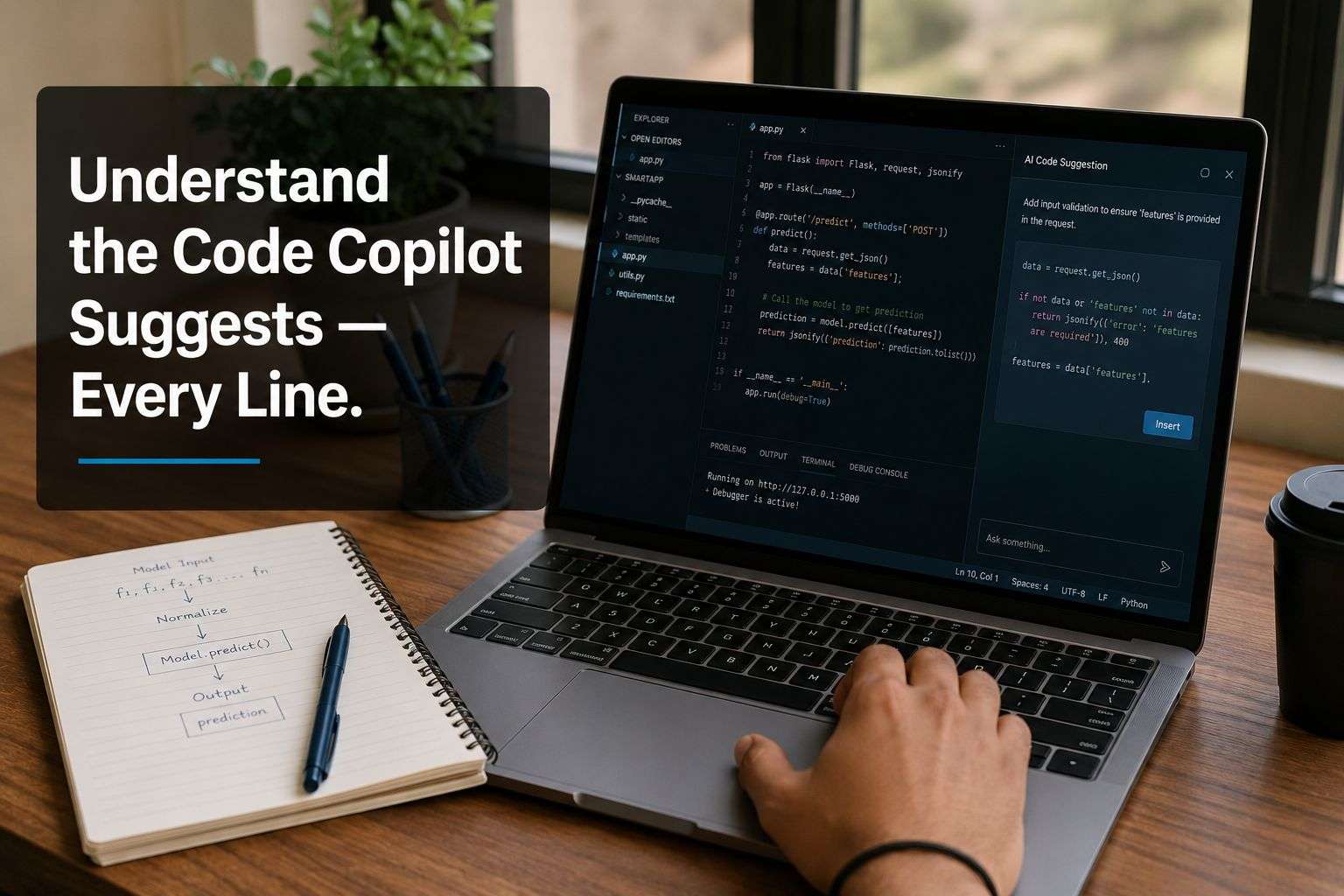
If you are from a CS, IT, or any coding-adjacent branch, GitHub Copilot is worth learning before placement season, not after you get the job. It suggests code as you type, inside your editor, and it is free for students through the GitHub Student Developer Pack.
The honest caution here is important. Companies are increasingly testing whether you understand the code Copilot suggests, not just whether you can produce working code. Use it to speed up boilerplate work and to explore syntax you are unfamiliar with. Do not use it to skip understanding the logic, because that gap shows up immediately in a technical interview follow-up question.
Canva’s AI Resume and Design Tools — For a Resume That Does Not Look Like Everyone Else’s
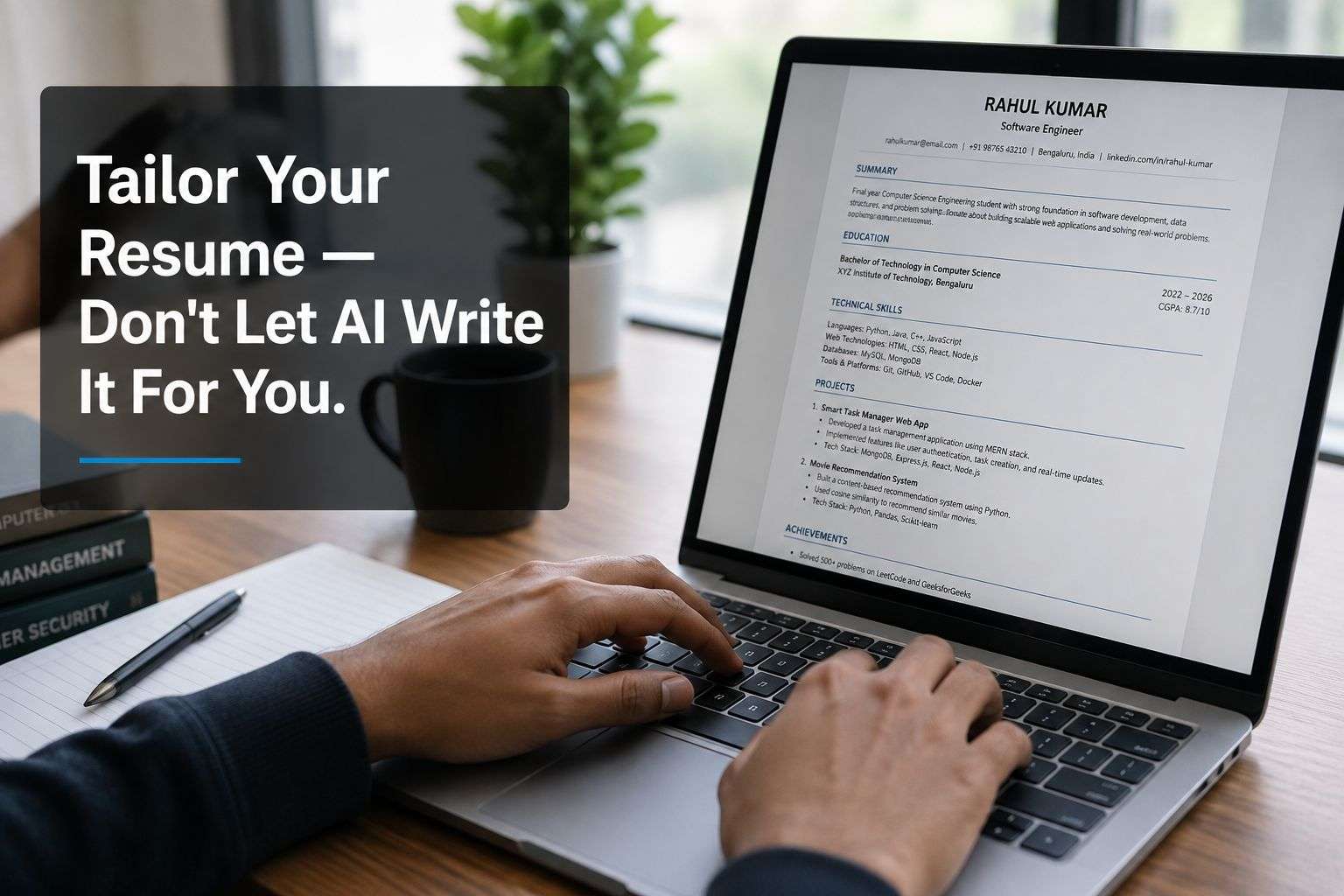
Canva now has a Job and Resume AI app built directly into its design tool. You paste in your resume text and the job description, and it helps you tailor the content and layout together. This matters because 48 percent of fresher candidates in India are already using AI tools to tailor their resumes — you are not gaining an unfair advantage by doing this, you are avoiding an unfair disadvantage by not doing it.
I have written a full guide on this specific topic if you want the deeper version — read AI Recruiter Resume for Indian Freshers for exactly what the resume-screening bots are looking for before you touch Canva.
Microsoft Copilot in Excel or Google Sheets AI — For Data and Analyst Roles
If you are targeting analyst, operations, or business roles rather than pure development roles, comfort with AI features inside Excel or Google Sheets is becoming a genuine differentiator. These tools can write formulas for you from a plain-English description, summarise a dataset, and spot patterns you might miss manually. A fresher who can say “I use AI to clean and summarise data faster” in an interview stands out from one who only knows manual formulas.
Grammarly or Similar AI Writing Tools — For Every Email and Cover Letter You Send
This sounds small, but it is not. Every email you send to a recruiter, every cover letter, every LinkedIn message is a first impression before the interview even happens. An AI grammar and tone tool catches the mistakes you cannot see because you wrote the sentence yourself. Use it to check your writing, not to write it entirely from scratch — the second one produces generic, forgettable messages.
AI Meeting and Note Tools — For Group Discussions and Virtual Interviews
Many placement processes now include virtual rounds. Tools that can transcribe and summarise a group discussion or a virtual interview help you review your own performance afterward. This is less about impressing the interviewer and more about a genuinely useful habit — reviewing how you actually sounded, not how you think you sounded.
How Indian Recruiters Are Actually Using AI Right Now
I want to give you the recruiter’s side of this, because understanding it changes how you prepare.
AI-linked job postings in India are projected to hit 3.8 lakh positions in 2026, a 32 percent jump from the year before. Fourteen percent of all Indian job postings now mention AI skills directly, up from under 13 percent a year ago. This is not a slow trend. It is accelerating within a single hiring season.
On the company side, AI is doing the heavy lifting of screening. Resume-matching tools score your application against the job description before a human reads it. Some companies use AI-driven video interview platforms for the first round, which analyse your responses for structure and relevance before a recruiter watches the recording. This is exactly why generic, copy-pasted resumes and rehearsed answers are performing worse than they used to — the AI screening step is specifically trained to catch that pattern.
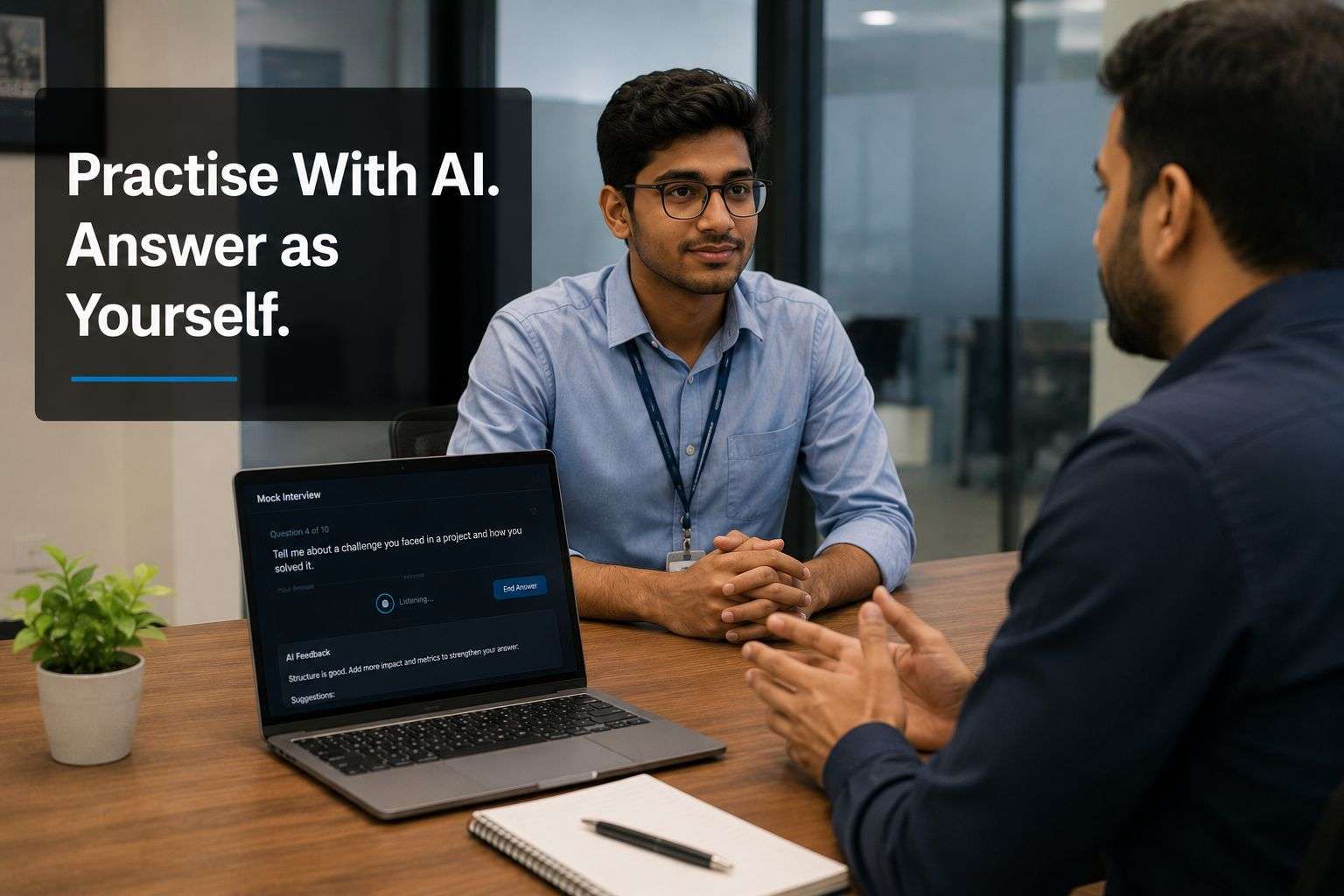
The practical takeaway for you is this. Tailor every resume specifically to the job description using the tools above. Practise interview answers so they sound like you explaining something you understand, not a script you memorised. Both of these are things AI screening tools reward, whether or not you ever mention AI in the interview itself.
Three Mistakes Freshers Make With AI Tools
Mistake 1 — Letting AI write everything. A resume, cover letter, or interview answer that is 100 percent AI-generated reads as generic because it is generic. Use AI to draft and refine, never to replace your own thinking entirely.
Mistake 2 — Never verifying AI output. AI tools get facts wrong confidently. If you use ChatGPT to prepare technical answers, cross-check the core facts against your textbook or a trusted source before you say them out loud in an interview. Getting caught repeating an AI mistake in front of an interviewer is worse than not knowing the answer at all.
Mistake 3 — Hiding AI use instead of talking about it honestly. Some students worry that mentioning AI tool use in an interview makes them look less capable. The opposite is increasingly true. A confident, honest answer like “I use ChatGPT to speed up my research and GitHub Copilot to move faster through boilerplate code, but I always review and understand what it produces” signals exactly the kind of judgment employers are hiring for in 2026.
Your AI Tools Action Plan, By College Year
If you are in first or second year — Open ChatGPT or Gemini today and use it for one real task, like explaining a concept from your syllabus you did not fully follow in class. Sign up for the GitHub Student Developer Pack this week — it gives you free access to GitHub Copilot and several other tools. Spend fifteen minutes exploring what it suggests as you write a small piece of code. This early familiarity, built slowly over two years, becomes second nature by the time you sit for placements.

If you are in third year — Start using AI tools specifically for placement preparation, not just coursework. Generate mock interview questions for the kind of role you are targeting. Practise explaining your projects out loud, then ask ChatGPT to point out gaps in your explanation. Build one small project using GitHub Copilot so you can honestly discuss your experience with it in an interview.
If you are in final year — Rebuild your resume this week using Canva’s AI resume tools, tailored specifically to the roles you are applying for. Run every cover letter and recruiter email through an AI grammar check before sending. In every mock interview you do between now and placement season, practise one honest sentence about how you use AI tools responsibly — because this exact question is coming up more often in 2026 interviews than it did even a year ago.
Reference Read-
- 90% GenAI adoption stat → Careers360 – India Skills Report 2026 — confirms more than 90% of Indian employees have already begun working with generative AI tools careers360
- 3.8 lakh AI job postings, 32% growth → SiliconIndia – AI Hiring Surges 32% in 2026 — confirms AI hiring in India surged in 2025 with 290,256 roles posted, projected to grow 32% in 2026 to nearly 380,000 positions Silicon India
- 14% of job postings mention AI → Fireblaze AI School – AI Job Market India 2026 — confirms the share of Indian job postings mentioning AI rose from 8.2% in September 2024 to 14.0% in January 2026, per Indeed Hiring Lab

Read These Next
- Agentic AI Careers in India 2026
- AI Recruiter Resume for Indian Freshers in 2026
- Top 5 In-Demand Skills for Freshers in 2026
- GitHub Profile Tips That Actually Get Indian Students Noticed
- AWS Certification for Freshers 2026
FAQs — AI Tools for Freshers Placement 2026
FAQ 1 – Will using AI tools during my job search make recruiters think I cannot do the work myself?
This worry comes up in nearly every counselling session I run on this topic, and I understand where it comes from — for years, using outside help was treated as a red flag. That thinking is now outdated, and holding onto it actively costs you interview calls.
The reality in 2026 is that recruiters assume you are using AI tools, because most candidates already are. What they are actually evaluating is not whether you used AI, but whether you understand what it produced. A resume that reads as generic AI output, with no personal detail or specific project depth, is a red flag. A resume that is clearly tailored, specific, and accurate — built with AI assistance but reviewed and owned by you — is not.
The same logic applies inside the interview room. If an interviewer asks how you prepared, an honest answer that mentions using ChatGPT to practise questions and Copilot to speed up a project, followed by a clear explanation of what you personally understood and decided, comes across as self-aware and modern. Hiding AI use entirely, and then stumbling when asked a follow-up question about something you did not actually understand, damages you far more than admitting you used a tool.
Consultant’s Note — I tell every student the same thing before their first mock interview season. Do not hide your AI tool use and do not lean on it either. Use it the way you would use a senior student’s notes — as a starting point you make your own. Interviewers in 2026 are trained to spot the difference between understood and copied, and that difference is what actually matters.
FAQ 2 — Do I need to pay for ChatGPT Plus, Copilot, or Canva Pro to build these skills before placements?
Cost anxiety stops more students from starting than any other single factor, so let me be direct about the real numbers.
Every tool on this list has a genuinely usable free tier. ChatGPT’s free version and Google’s Gemini free tier are both sufficient for interview preparation, concept explanation, and mock practice — you do not need a paid subscription to build this habit.
GitHub Copilot is free for verified students through the GitHub Student Developer Pack, which also unlocks several other paid developer tools at no cost. Canva’s free plan includes its AI resume features with some limitations, and a student email often qualifies you for Canva Pro at no cost or a steep discount.
Where students genuinely overspend is on third-party “AI resume builder” or “AI interview coach” apps that repackage the same underlying models at a monthly fee. You do not need these. The free versions of the major tools, used consistently over a few months, build the exact skill and comfort level that recruiters are testing for.
Consultant’s Note — I have had students tell me they were saving up for a paid AI resume tool before applying anywhere. Please do not do this. Start with the free tools today. Spend your limited budget, if any, on a certification like AW
FAQ 3 — I am from a non-CS branch — Mechanical, Civil, ECE. Do I still need to learn coding-related AI tools like GitHub Copilot?
This question comes up constantly from students outside core CS branches, and the honest answer depends on which roles you are targeting, not on your branch itself.
If you are applying for coding, IT services, or software-adjacent roles — which a large number of non-CS engineering graduates in India do every year — then yes, basic comfort with GitHub Copilot is worth building, even if your core coding ability is lighter than a CS student’s. The bar for non-CS candidates in technical interviews is realistic, not identical to CS students, and showing that you can use AI assistance to work through unfamiliar code demonstrates adaptability, which is exactly what recruiters are screening for from non-CS candidates.
If you are targeting non-coding roles — operations, quality, core engineering, analyst positions — then GitHub Copilot matters less, and tools like ChatGPT for interview prep, Canva for your resume, and AI features inside Excel matter significantly more. Focus your limited preparation time on the tools relevant to the specific roles you are applying for, rather than trying to learn every tool on this list equally.
Consultant’s Note — I have guided ECE and Mechanical students into both coding and non-coding roles, and the students who did best were the ones honest with themselves early about which path they were on. Do not force yourself to learn GitHub Copilot deeply if you are targeting a core engineering role. Spend that time on the tools that actually match your target job description.
FAQ 4 — How do I know if I am becoming too dependent on AI tools instead of actually learning?
This is one of the most important questions a student can ask themselves, and I wish more asked it before placement season rather than after joining a company.
A simple honest test I give students is this. After using an AI tool to help with a task — a piece of code, an interview answer, a data summary — close the tool and try to explain what it produced, in your own words, without looking back at the screen. If you can explain it clearly, you understood it and the AI tool genuinely helped you move faster. If you cannot, you copied it, and that gap will surface the moment an interviewer or a manager asks you a follow-up question.
A second sign of over-dependence is reaching for AI before you have even attempted to think through a problem yourself. Use AI after a genuine attempt, to check your reasoning or speed up the mechanical parts, not as your first move on every task. This habit, built during college, is exactly what separates freshers who get promoted quickly from those who plateau in their first year.
Consultant’s Note — I ask every student I mentor a version of this same question before their placement season: if I took away ChatGPT right now, could you still explain your own project confidently? If the honest answer is no, you have preparation work left to do, and it is better to find that out now than in front of an interviewer.
FAQ 5 — Which AI tool should I prioritise first if I only have a few weeks before placement season starts?
With limited time, sequencing matters more than trying to learn everything at once, and my honest priority order is based on what actually gets tested first in most Indian placement processes.
Start with your resume. Use an AI resume tool to tailor your resume specifically to each role you apply for, because this is the very first filter you have to pass, often before any human sees your application. This single step, done properly, has the highest immediate impact on how many interview calls you receive.
Next, move to interview preparation using ChatGPT or Gemini. Generate role-specific mock questions, practise your answers out loud, and use the tool to identify gaps in your explanations. This is the second filter you face, and it is where most students lose opportunities not because they lack knowledge, but because they cannot articulate it clearly under pressure.
If you are targeting coding roles and have any time left, spend it getting comfortable with GitHub Copilot on a small project you can discuss confidently. This matters less in early screening rounds and more in technical interviews and any assignment-based rounds.
Consultant’s Note — When a student comes to me with only two or three weeks left, I tell them to fix the resume first, rehearse answers second, and treat everything else as a bonus. Trying to do everything shallowly in a short window helps less than doing the first two things properly.
FAQ 6 — Can using AI tools during a live coding test or online assessment get me disqualified?
This is a genuinely important question because the answer is different for a preparation tool versus a proctored test, and confusing the two can end your candidacy.
Using ChatGPT, Copilot, or any AI tool while preparing for an assessment — practising problems beforehand — is completely fine and, as this whole guide argues, actively recommended. Using any AI tool during a proctored, live assessment is a different matter entirely. Most Indian companies now use proctoring software that specifically detects tab-switching, copy-paste behaviour, and even screen content associated with AI tools. Being caught using AI during a proctored test typically results in immediate disqualification, and in some cases a flag on your profile with that recruiter for future applications too.
The distinction to hold in your mind is simple. Prepare with AI. Take the actual test with your own knowledge. If a company explicitly allows AI tool use during an assessment — which some now do, specifically to test how you use it — the instructions will say so clearly. When in doubt, assume it is not allowed and ask the recruiter directly if genuinely unclear.
Consultant’s Note — I have had a student disqualified mid-test for exactly this reason, and it was avoidable. Read every instruction line before a proctored assessment starts. When AI use is not explicitly permitted, treat the test as if your laptop has no internet connection at all.
FAQ 7 — Do product-based companies and service-based companies expect different levels of AI tool fluency from freshers?
Yes, and understanding this difference helps you prepare more precisely depending on which type of company you are targeting, an important distinction I cover in more depth in my guide on service based versus product based companies.
Large IT service companies, hiring at high volume, are currently more focused on whether you have basic AI tool awareness and a clean, well-tailored resume that passes their screening systems. Their technical bars around AI tool depth are generally lower at entry level, because their training programs assume you will build deeper skills on the job.
Product-based companies and startups, hiring fewer freshers but with a higher bar per hire, increasingly expect you to arrive with genuine hands-on AI tool experience already — a project built partly with Copilot that you can discuss in real depth, or evidence in your resume and portfolio that you already think in terms of using AI to move faster and more accurately. The interview questions probe deeper into your judgment about when to trust and when to double-check AI output.
judgement
Consultant’s Note — If you are targeting product companies specifically, do not treat this guide as optional reading. Build at least one small project where you can speak in detail about exactly how and where you used AI tools, and where you deliberately chose not to.
FAQ 8 — How do I honestly answer an interview question about AI tools if I am not that experienced with them yet?
Students worry about this more than they need to, because interviewers are not expecting expert-level fluency from a fresher — they are expecting honesty and a demonstrated willingness to learn.
If you have used a tool like ChatGPT for basic tasks — explaining a concept, drafting an email, generating practice questions — say exactly that, specifically and honestly, rather than exaggerating your experience. A specific, modest answer like “I have used ChatGPT mainly to explain concepts I found difficult in my coursework, and I always cross-check the explanation against my textbook” sounds far more credible than a vague, overstated claim about advanced AI expertise you cannot back up with follow-up questions.
If you genuinely have not used these tools much yet, the honest and still strong answer is to acknowledge that directly and describe your plan to build that comfort — for instance, mentioning that you have started using the GitHub Student Developer Pack to explore Copilot. Interviewers consistently respond better to an honest “I am building this skill” than to a confident answer that falls apart under one follow-up question.
Consultant’s Note — I coach students specifically on this question before every placement season. Never claim more AI tool experience than you actually have. The follow-up question that exposes an overstated claim damages your credibility far more than a modest, honest answer ever would.
FAQ 9 — Are there any AI tools specifically useful for GATE, banking, or government exam preparation alongside placement prep?
Many students preparing for placements are simultaneously preparing for GATE, banking exams, or other competitive exams, and the good news is that some AI tool habits genuinely transfer across both.
ChatGPT or Gemini can help you generate practice questions on a specific syllabus topic, explain a concept you are stuck on in simpler language, and even help you build a structured study schedule across multiple exams running in parallel. For quantitative and reasoning-heavy competitive exams specifically, be cautious — AI tools can make calculation errors, so always verify numerical answers independently rather than trusting the AI’s arithmetic directly.
Note-taking and summarisation tools are particularly useful here, helping you condense long chapters or lecture recordings into structured revision notes faster than doing it entirely by hand.
The core caution from earlier in this guide applies doubly for competitive exam preparation — use AI to study faster, never as a replacement for genuinely working through problems yourself, because these exams test your own problem-solving speed under pressure, not your ability to look something up.
Consultant’s Note – Students juggling GATE prep and placements ask me how to manage both. My honest advice is to use AI tools to save time on explanation and organisation, and to spend the time you save on solving more problems yourself by hand. The tool should buy you practice time, not replace the practice itself.
FAQ 10 — Will AI tools eventually replace the need for freshers to learn these skills manually at all?
This is a thoughtful, forward-looking question, and it deserves an honest answer rather than either blind reassurance or unnecessary alarm.
AI tools are changing what freshers are expected to spend their time on, not eliminating the need for underlying understanding. Companies are not lowering their expectations of what a fresher should know — if anything, the bar for genuine understanding is rising, because AI tools remove the excuse of not having time to check your work properly. A fresher who only knows how to prompt an AI tool, without the underlying conceptual knowledge to evaluate whether the output is correct, is increasingly at a disadvantage compared to one who has both.
The practical effect I am seeing across the companies I work with through Rooman Technologies’ training programs in Odisha is that AI tool fluency is becoming a baseline expectation, similar to how basic computer literacy became non-negotiable two decades ago. It has not replaced the need for domain knowledge — it has raised the floor for what “basic professional competence” means in 2026.
Consultant’s Note – I tell every batch I mentor the same thing. AI tools are not going to do your job for you. They are going to make the freshers who understand both the tool and the underlying subject significantly faster and more valuable than freshers who understand only one or the other. Build both, and this shift works entirely in your favour.
Preparing your placement season toolkit? Read our guides on AI Recruiter Resume for Indian Freshers and GitHub Profile Tips to make sure the rest of your profile is as ready as your AI tool skills.







4 Comments